The Gap Between a Great Image and a Print-Ready Cover
You've created a stunning book cover image using AI. It looks incredible on your screen. You upload it to IngramSpark and get rejected. What happened?
Print on demand platforms have strict technical requirements that have nothing to do with how good your cover looks. Color mode, bleed margins, DPI resolution, spine width calculations, barcode placement. These are production specs, and getting them wrong means rejection emails, wasted proof copies, or covers that look completely different in print than they did on screen.
This is the part of self-publishing that nobody warns you about until you're staring at a rejected file. Let's break down exactly what each major POD platform needs.
KDP (Kindle Direct Publishing) - The Basics
KDP is the most forgiving platform for cover uploads. For ebook covers, you need a minimum of 625 x 1000 pixels, but Amazon recommends 2560 x 1600 pixels for best quality. The ideal ratio is 1.6:1 (height to width). RGB color mode is accepted.
For KDP paperbacks, things get more specific. You need a full wrap cover (front, spine, back) as a single PDF. Resolution must be 300 DPI minimum. KDP provides a cover calculator where you enter your trim size, page count, and paper type, and it generates the exact dimensions you need. The calculator also creates a downloadable template with guidelines showing where the spine, barcode, and bleed zones fall.
KDP accepts RGB files (they convert to CMYK for printing), which makes it the easiest platform for AI-generated covers since AI tools output RGB by default. However, be aware that some colors, especially bright neons and saturated blues, can shift during the RGB-to-CMYK conversion. Always order a proof copy before approving your cover.
IngramSpark - The Strict One
IngramSpark is the platform that trips up the most authors because their requirements are genuinely strict. Covers must be submitted in CMYK color mode (not RGB). The file format must be PDF. Bleed is 0.125 inches on all sides. Resolution must be 300 DPI. No transparency, no layers, no spot colors.
The CMYK requirement is the big one for AI-generated covers. Every AI image generator outputs RGB images. You must convert to CMYK before uploading to IngramSpark. This can be done in Photopea (free browser-based Photoshop alternative), GIMP, or Affinity Photo. When you convert, colors will shift. Reds can go muddy, blues can darken, bright greens can dull. This is normal. Adjust after conversion and proof before publishing.
IngramSpark also has specific barcode requirements. Their system auto-generates an ISBN barcode and places it on your cover, but you need to leave a white rectangle on your back cover where it will go. The standard placement is the bottom-right of the back cover, minimum 2 inches wide by 1.2 inches tall.
Lulu - The Template Approach
Lulu takes a template-first approach. You select your book size and page count, and Lulu generates a cover template with all dimensions pre-calculated. Upload your front cover, back cover, and spine as separate elements within their online cover creator. Lulu accepts both RGB and CMYK, and handles the conversion on their end. Resolution: 300 DPI minimum. They also offer a downloadable PDF template for authors who prefer to design offline.
The Spine Width Problem
Spine width is the single most common source of POD cover rejections. Your spine width depends on three things: page count, paper type (white or cream), and trim size. A 200-page book on white paper has a different spine width than a 200-page book on cream paper. Every platform provides a calculator. Use it. Don't guess.
When designing your spine, keep text centered and leave margins on both sides. Small page counts (under 100 pages) may have a spine too narrow for any text at all. In that case, leave the spine blank or use a simple design element.
Preparing AI-Generated Covers for POD
Here's the workflow that works for getting AI covers print-ready:
• Step 1: Download your platform's cover template with exact dimensions and guidelines.
• Step 2: Generate your front cover image with AI at the highest resolution possible (The Art Director Method covers optimal settings for Nano Banana).
• Step 3: Place the image in the template, extending imagery into the bleed zone on all sides.
• Step 4: Add spine text and back cover elements (description, barcode area, author bio).
• Step 5: Convert to CMYK if required (IngramSpark). Flatten the file. Export as PDF at 300 DPI.
• Step 6: Order a proof copy. Always. Screen colors and print colors are never identical.
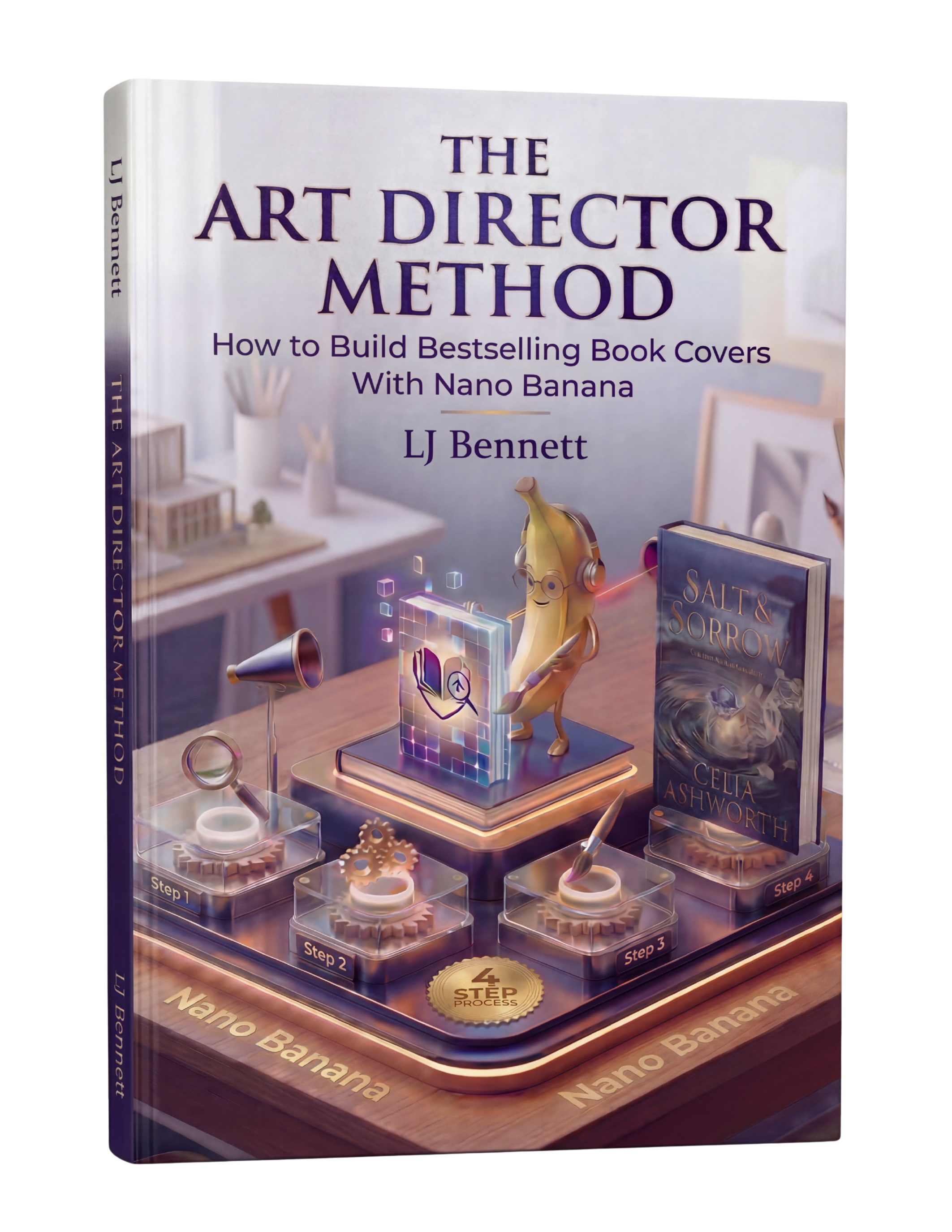
The Art Director Method's 88-page guide covers the full workflow from AI generation through print-ready file preparation. The creative direction skills it teaches, like genre codes and conceptual prompting, are just as important as the technical file prep. A perfectly formatted cover that doesn't match your genre still won't sell books. The method handles both sides: the art direction and the production specs. It's $19.99 on Payhip.
This is exactly what The Art Director Method using Nano Banana teaches you to do right.
Turn Nano Banana from a slot machine into your creative partner.
Get the Guide - $19.99Frequently Asked Questions
No. IngramSpark requires CMYK color mode for all print covers. AI-generated images are always RGB, so you must convert to CMYK using Photopea (free), GIMP, or Affinity Photo before uploading. Expect some color shifting during conversion, especially in reds, blues, and bright greens.
All major POD platforms (KDP, IngramSpark, Lulu) require a minimum of 300 DPI resolution. AI image generators typically output at 72 DPI, so you need to resize and set the correct DPI in an image editor before uploading. The Art Director Method covers optimal AI generation settings for print-quality output.
Spine width depends on page count, paper type (white or cream), and trim size. Every POD platform provides a free calculator. Enter your specs and it gives you exact dimensions. Never guess the spine width. For books under 100 pages, the spine may be too narrow for text.
Yes, but AI-generated images need proper file preparation before they're POD-ready. This includes setting correct dimensions, adding bleed margins, converting to CMYK if required, and ensuring 300 DPI resolution. The Art Director Method ($19.99) teaches the complete workflow from AI generation to print-ready files.