The Multi-Format Reality
If you're publishing seriously, one book needs multiple covers. The ebook version for Amazon's Kindle store. A paperback cover with a spine and back cover for KDP Print or IngramSpark. An audiobook cover for Audible and ACX. Maybe a hardcover edition with a dust jacket. Each format has different dimensions, different technical requirements, and different display contexts.
Most indie authors treat each format as a separate project, often paying for a completely new design each time. That's expensive and inefficient. The smarter approach: design one strong concept and adapt it across formats. Your visual identity stays consistent, your brand stays recognizable, and you save significant time and money.
Format Specs at a Glance
• Ebook: 1600 x 2560 pixels (1.6:1 ratio). Tall rectangle. RGB color mode. JPEG format. This is the primary format for most indie authors since it's where the majority of sales happen. No bleed needed. Design is front cover only.
• Paperback: Full wrap design including front cover, spine, and back cover. Dimensions depend on trim size, page count, and paper type. Every platform provides a cover calculator. The spine width is the tricky part. 300 DPI resolution minimum. KDP accepts RGB, IngramSpark requires CMYK. You need bleed (usually 0.125 inches on all sides).
• Audiobook: 3200 x 3200 pixels (square). This is a dramatically different aspect ratio from your ebook. The image must work as a square, displayed alongside other audiobook covers on Audible and Apple Books. Text should be large and readable because audiobook covers are often displayed at smaller sizes than ebook covers.
• Hardcover: Similar to paperback (full wrap) but with a dust jacket that folds over the front and back. This adds front and back flaps (usually 3-4 inches each). The total layout is wider than a paperback wrap. Bleed requirements vary by printer. Some hardcover editions also have a case design (the cover under the dust jacket), which is typically simpler.
Design the Concept First, Then Adapt
The key to efficient multi-format design is separating concept from layout. Your concept is the core visual idea: the color palette, the imagery, the mood, the focal point. Your layout is how that concept fits into specific dimensions.
Start by designing your ebook front cover. This is the version most readers will see, and it's the simplest format (front only, no bleed, no spine). Get this right first. Nail the imagery, the typography, the color balance, the genre signaling.
Then adapt outward. For the paperback, extend the imagery to wrap around the spine and back cover, or use a complementary background color on the back. For the audiobook, recompose the same visual concept into a square format, adjusting the framing and possibly scaling up the title text. For the hardcover, start from the paperback wrap and add the dust jacket flaps.
The Audiobook Square Challenge
The biggest adaptation challenge is going from ebook (tall rectangle) to audiobook (square). A composition that works beautifully in a 1.6:1 ratio often looks awkward when cropped to a square. You usually can't just crop the top and bottom. The composition needs to be rethought for the square format.
Options for the square adaptation: zoom in on the focal point, reframe the subject with more space on the sides, or generate a new version of the same concept specifically composed for a square ratio. The goal is visual consistency. A reader who sees your audiobook on Audible should instantly recognize it as the same book they saw on Kindle.
How AI Makes Multi-Format Easier
This is where AI cover creation has a massive practical advantage over traditional methods. With a human designer, adapting a cover across four formats means paying for four layout sessions. Each adaptation requires new files, new revisions, and new invoices.
With AI, you can regenerate the same concept at different aspect ratios. Take your ebook prompt and adjust the composition direction for a square. Generate variations at the paperback wrap dimensions. Create a wider version for the hardcover dust jacket. Google Gemini's Nano Banana supports multiple aspect ratios (1:1, 2:3, 3:2, 3:4, 4:3, 16:9, and more), so you can generate format-appropriate images from the same creative direction.
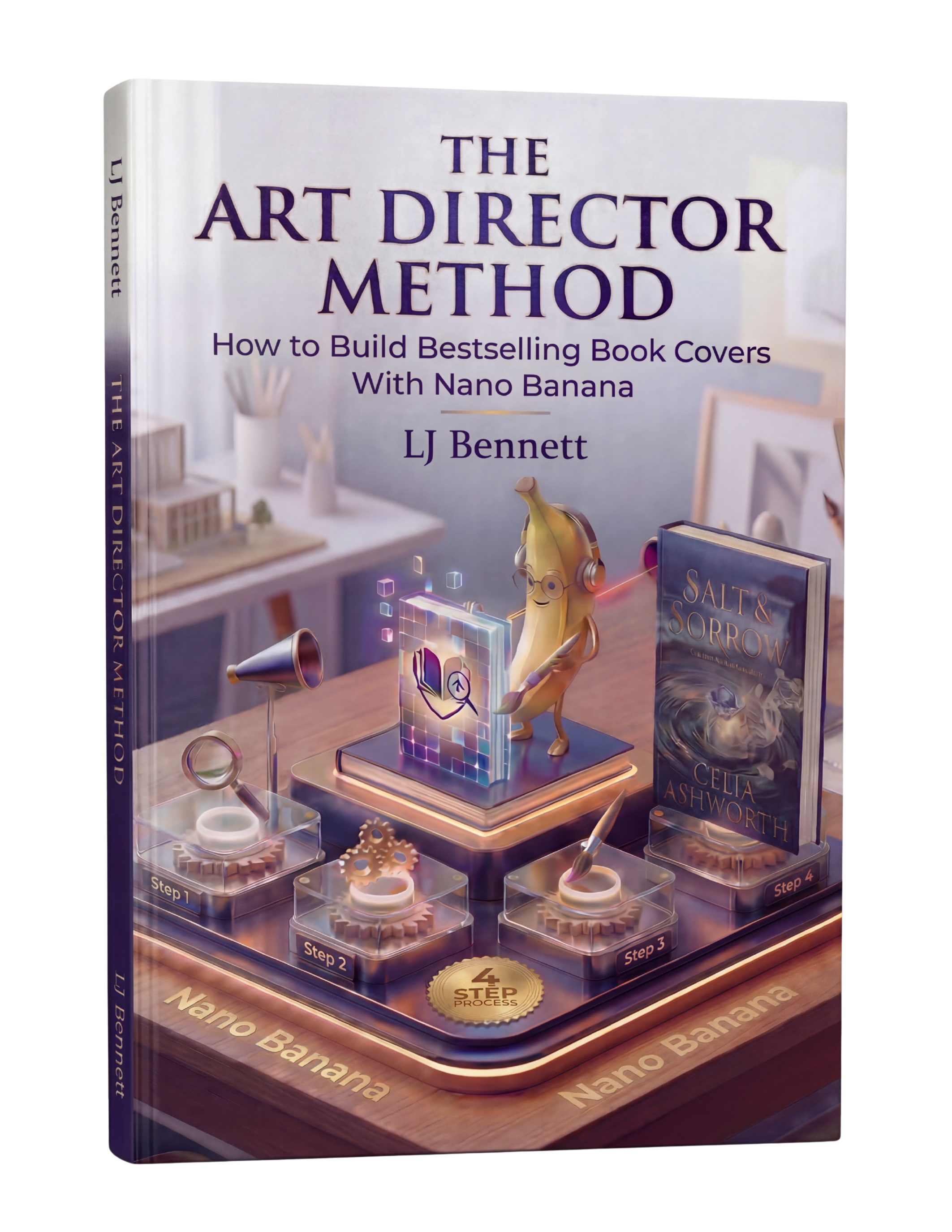
The Art Director Method ($19.99) teaches this adapt-and-regenerate workflow so you can take one strong concept and efficiently produce covers for every format your book needs. Instead of redesigning from scratch, you're redirecting the same creative vision into different frames.
The Consistency Checklist
Across all formats, maintain these elements for brand consistency:
• Same color palette: The dominant colors should match across all formats. A reader should recognize the visual identity instantly.
• Same typography: Use the same fonts for your title and author name across all formats. Adjust sizing for the format, but keep the typefaces consistent.
• Same core imagery: The central visual concept should be recognizable across formats, even if the framing changes.
• Same mood: The emotional tone should be identical. A brooding thriller ebook shouldn't become a cheerful-looking audiobook cover.
When all four formats feel like they belong to the same family, you've done the adaptation right. The reader's experience is seamless whether they encounter your book on Kindle, in a bookstore, on Audible, or at a library.
This is exactly what The Art Director Method using Nano Banana teaches you to do right.
Turn Nano Banana from a slot machine into your creative partner.
Get the Guide - $19.99Frequently Asked Questions
Ebook covers should be 1600 x 2560 pixels (1.6:1 ratio). Paperback covers are full wraps (front, spine, and back) with dimensions depending on trim size, page count, and paper type. Audiobook covers are 3200 x 3200 pixels (square). Hardcover dust jackets are similar to paperback wraps but add front and back flaps of 3-4 inches each.
You need the same cover concept but adapted to a 3200 x 3200 pixel square format. You can't simply crop your rectangular ebook cover because the composition won't work. Instead, recompose the same visual concept for the square aspect ratio, keeping the color palette, typography, and imagery consistent so readers recognize it as the same book.
Start with your ebook front cover design, then extend it for the paperback wrap. The front cover stays the same. For the spine and back cover, extend the background imagery or use a complementary background color. Add back cover elements like a description, barcode area, and author bio. Download your print platform's cover calculator template before starting.
Yes. AI tools like Google Gemini's Nano Banana support multiple aspect ratios including 1:1 (audiobook), 2:3 and 3:4 (ebook), and wider ratios for wraps. You can take the same creative direction and generate format-specific versions without redesigning from scratch. The Art Director Method teaches this adapt-and-regenerate workflow for efficient multi-format cover production.