The Four Paths to Your Own Book Cover
Every self-published author faces the same decision: how do I get a professional book cover without breaking the bank? In 2026, you have more options than ever. Let's break down each one honestly - what it costs, what you get, and who it's best for.
Option 1: Hire a Professional Designer ($300-$1,200+)
This is the traditional route and it still works. A good designer on Reedsy, 99designs, or through a referral will interview you about your book, research your genre, and deliver 2-3 concepts. The median cost on Reedsy is $630-$1,200 depending on genre (fantasy runs higher, thrillers lower).
Best for: Authors with budget who want to focus entirely on writing and outsource the visual work. First-time authors who genuinely don't know what they want yet.
The catch: You're paying for someone else's creative vision. If they don't nail your genre or your vibe, revisions cost more time and money. And you still need to know how to brief them - which is a skill most authors don't have.
Option 2: Use a Premade Template ($50-$150)
Sites like SelfPubBookCovers, BookCoverZone, and The Book Cover Designer sell premade covers that are customized with your title and author name. They're sold once and removed, so you won't share your cover with another book.
Best for: Authors on a tight budget who need something professional fast. The quality varies widely but the best premades are genuinely good.
The catch: You're choosing from what's available, not creating what you envision. Your cover might be "good enough" but never "exactly right." And premade covers can't match the precise visual codes of your specific sub-genre.
Option 3: DIY with Design Tools (Free-$22/month)
Canva (free), Adobe Express (free), Book Brush, and Amazon's Cover Creator let you build covers from templates and stock images. If you have design sense and patience, you can create something decent.
Best for: Authors who enjoy the design process and have basic visual skills. Good for simple, typography-heavy covers (literary fiction, nonfiction).
The catch: The learning curve is real. Template-based tools produce template-looking results. And you're limited to stock images that thousands of other authors also have access to.
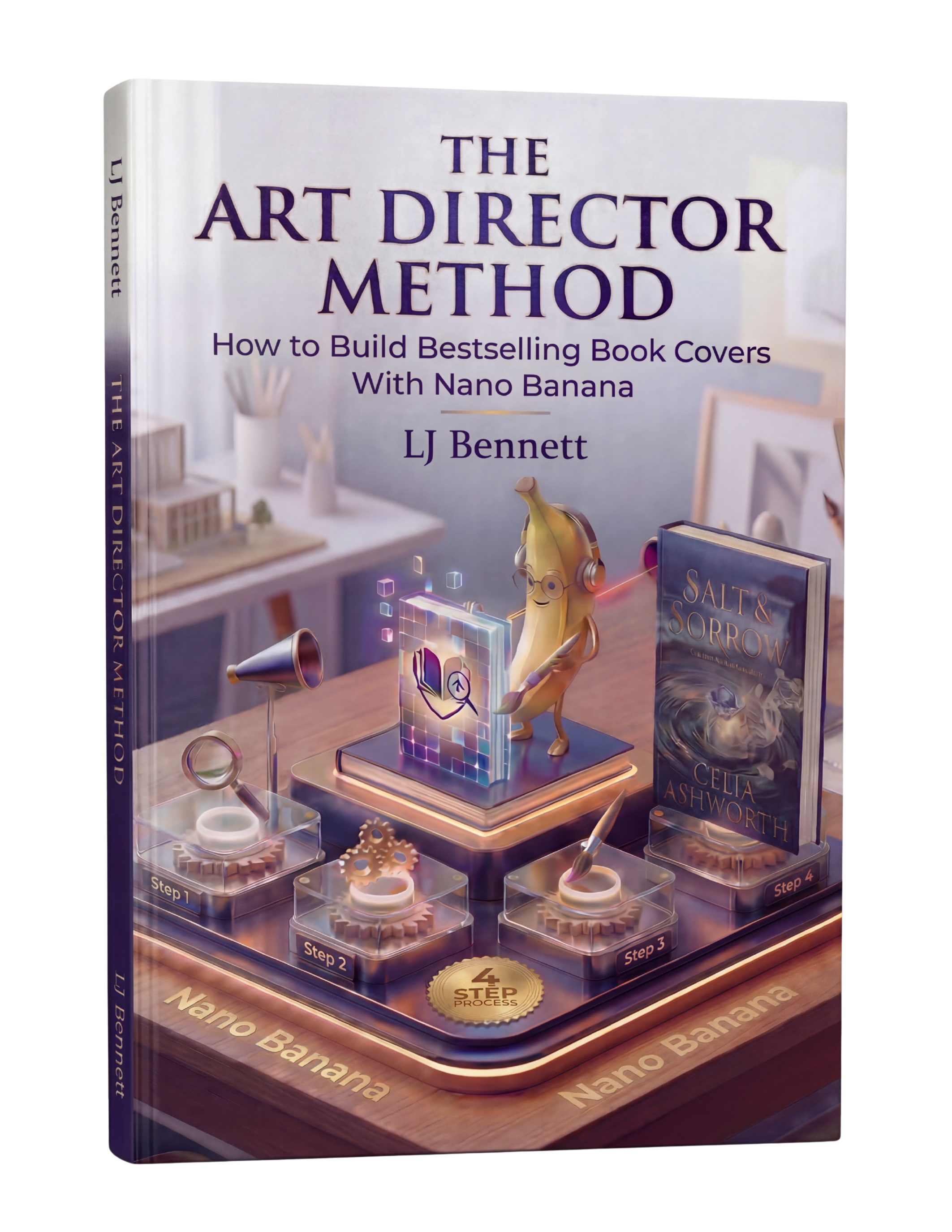
Option 4: AI Art Direction with a Method ($19.99)
This is the option most authors don't know about yet. Not "type a prompt and hope" - that produces AI slop. We're talking about using a structured method to direct AI the same way a creative director briefs a designer. You provide the genre codes, the emotional concept, the visual language - and the AI executes under your direction.
Google Gemini's Nano Banana models have changed what's possible. With the right method, you can generate professional-quality cover concepts, iterate rapidly, and produce results that compete with $500+ custom designs. The key word is "method" - without a system, AI gives you the same generic output everyone else gets.
Best for: Authors who want creative control, unlimited iterations, and professional results at a fraction of the cost. Authors who publish frequently and need covers for multiple books.
The catch: You need to learn the method. It's not hard (the guide is 88 pages and walks you through everything), but it's not zero effort either. The difference is that you're investing in a skill you'll use for every book you ever publish.
Which Option Should You Choose?
Be honest about three things: your budget, your timeline, and how much creative control matters to you. If money is no object and you want to focus on writing, hire a designer. If you need something today for under $100, grab a premade. If you want to build a skill that pays for itself across your entire publishing career, learn AI art direction.
The authors who are winning in 2026 aren't choosing just one path. They're using AI to generate concepts, premades for quick projects, and designers for their flagship titles. The Art Director Method gives you the foundation to make smart decisions about ALL of these options - because once you understand what makes a cover work, you can evaluate any path with confidence.
This is exactly what The Art Director Method using Nano Banana teaches you to do right.
Turn Nano Banana from a slot machine into your creative partner.
Get the Guide - $19.99Frequently Asked Questions
Yes. Canva, Adobe Express, and Amazon's Cover Creator are all free. However, free tools produce template-based results. For professional-quality AI-generated covers, The Art Director Method guide costs $19.99 and teaches you to use Google Gemini's free AI tools with a proven creative direction process.
Professional custom book covers typically cost $300-$700 for a standard design, with the median on Reedsy running $630-$1,200. Premade covers cost $50-$150. AI-directed covers using The Art Director Method cost $19.99 for the guide plus free AI tool usage.
With the right method, yes. The key difference is between prompt-and-pray (typing a generic description and hoping for the best) and art direction (using genre-specific visual codes, conceptual prompting, and professional editing). The Art Director Method teaches the second approach using Google Gemini's Nano Banana, producing results that compete with $500+ custom designs.
The tool matters less than the method. Canva is great for template-based designs. Google Gemini's Nano Banana excels at AI-generated imagery. Adobe Photoshop or Photopea (free) handles professional editing. The Art Director Method works with all of these because it teaches you creative direction - the skill that makes any tool produce professional results.