Before You Open Any AI Tool
The biggest mistake authors make is jumping straight into an AI tool and typing their book description as a prompt. That's backwards. Before you generate a single image, you need to know what you're aiming for. That means research.
Go to Amazon. Search your genre and sub-genre. Look at the top 20 bestselling covers. Not the content - the covers. What colors do you see? What's the composition style? Are there people on the covers or abstract imagery? What fonts are they using - serif, sans-serif, script? How big is the title relative to the image?
This isn't copying. It's learning the visual language your readers already speak. Every genre has codes - visual shorthand that tells a reader "this is a thriller" or "this is a cozy mystery" before they read a single word. Your cover needs to speak that language fluently.
Step 1: Define Your Visual Concept
Based on your genre research, define three things:
- ●The mood. Not what happens in your book - how your book FEELS. Dark and claustrophobic? Warm and inviting? Mysterious and atmospheric? Tense and urgent?
- ●The palette. Based on your genre codes, what colors dominate? Thrillers lean dark - deep blues, blacks, reds. Romance runs warm - golds, pinks, rich purples. Cozy mysteries use bright, cheerful palettes.
- ●The composition. Will there be a central figure, an object, a landscape, or an abstract design? Where will your title sit? You need space for text - usually the top third or bottom third of the image.
Write this down. One paragraph describing the cover you want to create. This becomes the foundation of your AI prompt.
Step 2: Choose Your AI Tool
You have several options (see our full comparison of AI book cover generators), but for this guide we're using Google Gemini's Nano Banana. It's free with any Google account, produces professional-quality images, and responds exceptionally well to detailed creative prompts.
Open Google's AI Studio or the Gemini app. You don't need to install anything or join Discord or pay for a subscription. Just log in with your Google account and you're ready.
Step 3: Write a Conceptual Prompt
This is where most tutorials fail you. They tell you to describe what you want literally: "a woman standing in front of a castle at sunset." That gives you a literal, flat, generic image.
Instead, write a conceptual prompt. Describe the mood, the atmosphere, the feeling. Think about lighting, texture, color temperature. Instead of "a woman in front of a castle," try describing the emotional atmosphere: the quality of light, the sense of scale, the feeling of the moment. Tell the AI about artistic style - oil painting, cinematic photography, graphic novel illustration.
Include practical details: the aspect ratio you need (2:3 for a standard book cover), where you want negative space for your title, and the overall composition. The more specific your creative direction, the better the result.
Step 4: Generate, Evaluate, Refine
Generate your first batch of images. Don't expect perfection on attempt one. Look at what the AI gave you and ask: Does this match my genre codes? Does it capture the mood? Is there space for my title? Is this something I'd click on in an Amazon search?
Refine your prompt based on what you see. If the lighting is too bright, specify darker, moodier lighting. If the composition is too busy, ask for more negative space. Each iteration gets you closer. Most authors land on a strong concept within 5-10 generations.
Pro tip: generate at a smaller size first for speed, then re-generate your best concept at full resolution. This saves time and lets you iterate faster.
Step 5: Add Typography and Finalize
AI cannot do typography well. This is a fact, not a limitation of any specific tool. You need to add your title, author name, and any tagline or series branding using a design tool.
Free options: Canva (free tier works fine) or Photopea (a free browser-based Photoshop clone). Import your AI-generated image, add text layers, and follow the typography hierarchy: title biggest, subtitle or tagline medium, author name smaller. Match your font choices to your genre - serif fonts for literary and historical, bold sans-serif for thrillers, script fonts for romance.
Export at the dimensions required by your platform. For Amazon KDP, that's 2,560 x 1,600 pixels for ebooks (minimum 1,000 x 625). For paperbacks, use the KDP cover calculator to get exact dimensions including spine width.
Want the Complete System?
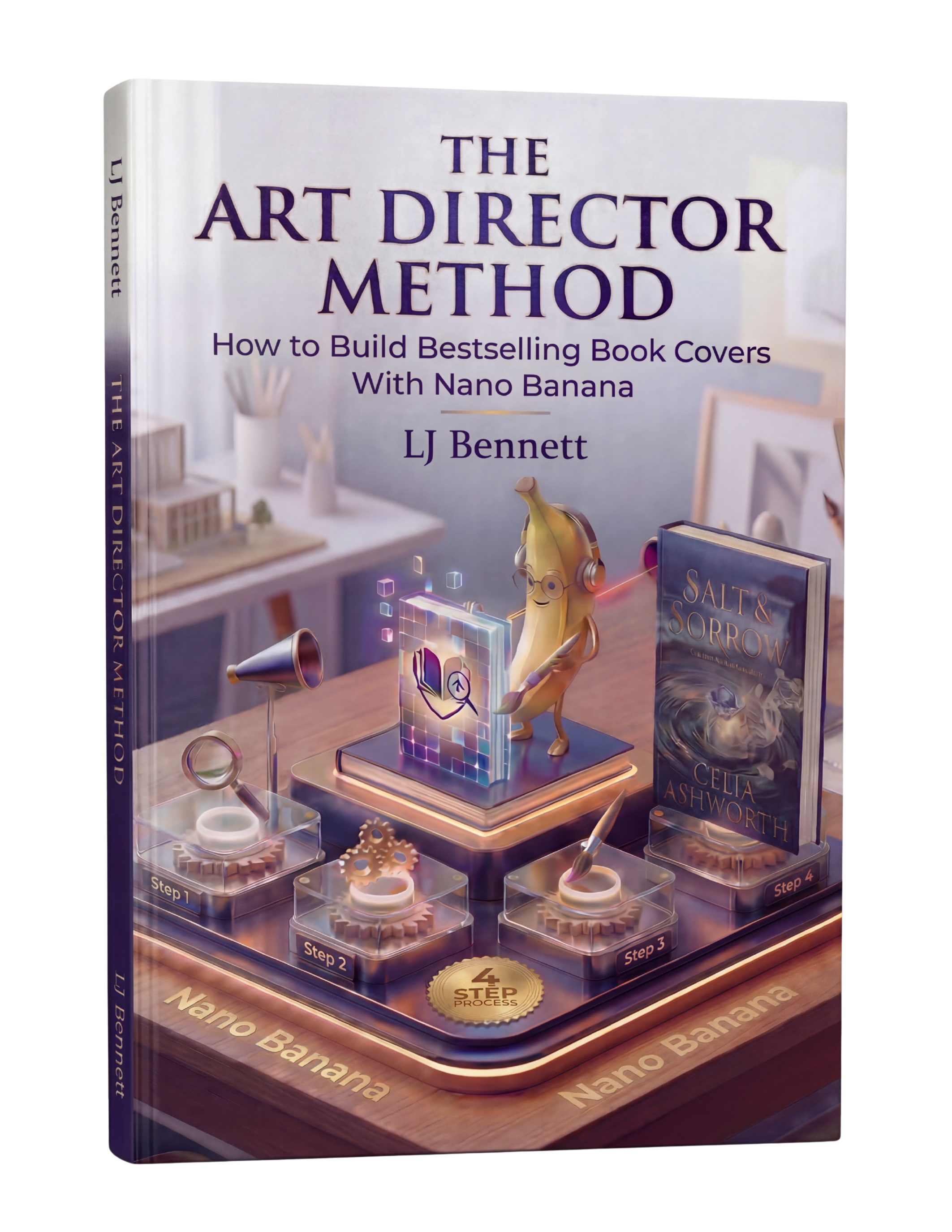
This guide covers the basics, and it's enough to get started. But if you want the full system - genre code libraries, advanced conceptual prompting techniques, typography rules by genre, the thumbnail test, and the complete workflow from concept to upload - The Art Director Method covers all of it. It's an 88-page guide built specifically for indie authors using Nano Banana. At $19.99, it's less than the cost of a single stock image, and it teaches you a skill you'll use for every book you publish.
This is exactly what The Art Director Method using Nano Banana teaches you to do right.
Turn Nano Banana from a slot machine into your creative partner.
Get the Guide - $19.99Frequently Asked Questions
Yes. Google Gemini's Nano Banana is completely free with a Google account and produces professional-quality imagery. Combined with free typography tools like Canva or Photopea, you can create a complete book cover at zero cost. The Art Director Method guide ($19.99) teaches the creative direction process that makes free tools produce professional results.
Your first AI book cover typically takes 2-4 hours including genre research, prompt writing, generation, and typography. By your third cover, expect 1-2 hours. The bulk of the time is in research and typography, not image generation itself.
No design experience needed. The key skill is creative direction - knowing what to ask for, not how to draw it. If you can browse Amazon bestsellers and describe how a cover makes you feel, you can direct AI to create professional book covers. The Art Director Method teaches this process step by step.
Not if you use creative direction instead of generic prompts. Generic AI images have a recognizable 'AI look' because they're prompted generically. Covers made with conceptual prompts, proper genre codes, and professional typography are indistinguishable from traditionally designed covers. The method matters more than the tool.
For Amazon KDP ebooks, the recommended size is 2,560 x 1,600 pixels (minimum 1,000 x 625). For paperbacks, use KDP's cover calculator to get exact dimensions including spine width based on your page count. Generate AI images at 2:3 aspect ratio for standard book covers.