Why AI Struggles with Character Consistency
Every AI image generation is a fresh start. The model does not remember your last prompt or the image it created yesterday. When you type "dark-haired woman in a leather jacket standing in the rain," you will get a completely different woman every single time. Different bone structure, different hair texture, different proportions.
For standalone books, this is fine. For a series, it is a serious problem. Readers expect the same protagonist on every cover. A character who looks 25 on book one and 40 on book three breaks the visual brand of the series and confuses buyers browsing on Amazon.
The solution is not better prompts alone. You need a system that combines reference images, locked descriptions, and the right tool features. The Art Director Method calls this the Character Anchor System.
The Character Anchor System: Three Layers
Consistency requires three layers working together. Skip any one of them and the character will drift.
Layer 1: The Seed Image
Start with a single image that defines your character's look. This can be a stock photo, a previous AI generation you are happy with, or a composite you build from multiple references. This image becomes your "north star" that you reference in every future generation. Save it in a dedicated folder and treat it like a production asset.
Layer 2: The Anchored Description
Write a detailed, specific description of your character and reuse it word-for-word in every prompt. Not "a beautiful woman" but "a 30-year-old East Asian woman with shoulder-length black hair, brown eyes, sharp jawline, athletic build, light olive skin tone." Save this as a text snippet you can paste into any prompt. Specificity is what keeps the AI from inventing new features each time.
Layer 3: Tool-Specific Consistency Features
Each AI tool offers different mechanisms for maintaining character consistency. These are not interchangeable. Choosing the right tool for this job matters, and knowing how to use its specific features is what separates a cohesive series from a visual mess.
Tool Comparison for Character Consistency
Midjourney
Currently the strongest option for character consistency, thanks to two key features.
- ● Character Reference (--cref): Upload your seed image and Midjourney will try to maintain that character's appearance in new scenes and poses. This is the closest thing to "casting an actor" in AI generation.
- ● Style Reference (--sref): Locks the artistic style (lighting, color palette, rendering approach) across generations. Pair this with --cref for both character and style consistency.
- ● Weight control (--cw): Adjust how strongly the character reference influences the output. Higher values stick closer to the reference face and body.
Limitation: Requires a paid subscription ($10/month minimum). Character reference works best with clear, well-lit face shots.
Google Gemini
Gemini supports reference image uploads via its API and web interface. You can attach your seed image and instruct it to maintain the character's appearance.
- ● Upload up to 14 reference images per prompt (10 object references, 4 character references)
- ● Natural language instructions: "Make this character look exactly like the person in the reference image"
- ● Good for maintaining general appearance, though fine facial details may shift between generations
Best for authors already in the Google ecosystem. Free tier available. API access provides more control than the web interface.
Leonardo AI
Leonardo offers a unique approach: you can train a custom model on your character using multiple reference images.
- ● Upload 8-15 images of your character from different angles to train a custom model
- ● Once trained, generate new images that maintain the character's identity automatically
- ● Image-to-image mode lets you pose the character in specific scenes while keeping their look
The training approach requires more setup time but produces the most reliable long-term consistency. Free tier available with limited generations.
Step-by-Step Workflow for a Consistent Series
- 1. Generate or find your character seed image. Spend time getting this right. Every future cover depends on it.
- 2. Write your anchored character description. Be exhaustively specific about physical traits. Save it as a reusable text block.
- 3. Choose your AI tool based on the comparison above. Midjourney's --cref is the fastest path. Leonardo's training is the most robust long-term.
- 4. Generate your first cover image using the seed image + anchored description + scene-specific prompt details.
- 5. Before moving to the next cover, compare the result against your seed image. Check face shape, hair, skin tone, build. If anything drifted, adjust your prompt or reference weight.
- 6. For each subsequent cover, use the same seed image and anchored description. Only change the scene, pose, and environment.
- 7. Add typography separately (never let AI generate text). Use consistent fonts and layout patterns across the series for brand cohesion.
Common Mistakes That Break Consistency
Changing the description between prompts
If you describe your character as "long brown hair" on book one and "dark hair" on book three, the AI has permission to give you a completely different look. Copy and paste the exact same character block every time.
Using different AI tools for different books
Every AI tool renders differently. Midjourney has a painterly feel. DALL-E leans photorealistic. Switching tools mid-series is like switching illustrators. Pick one and commit for the entire series.
Skipping the seed image
Text prompts alone cannot maintain consistency. You need that visual anchor. Even the most detailed description leaves room for interpretation. The seed image removes that ambiguity.
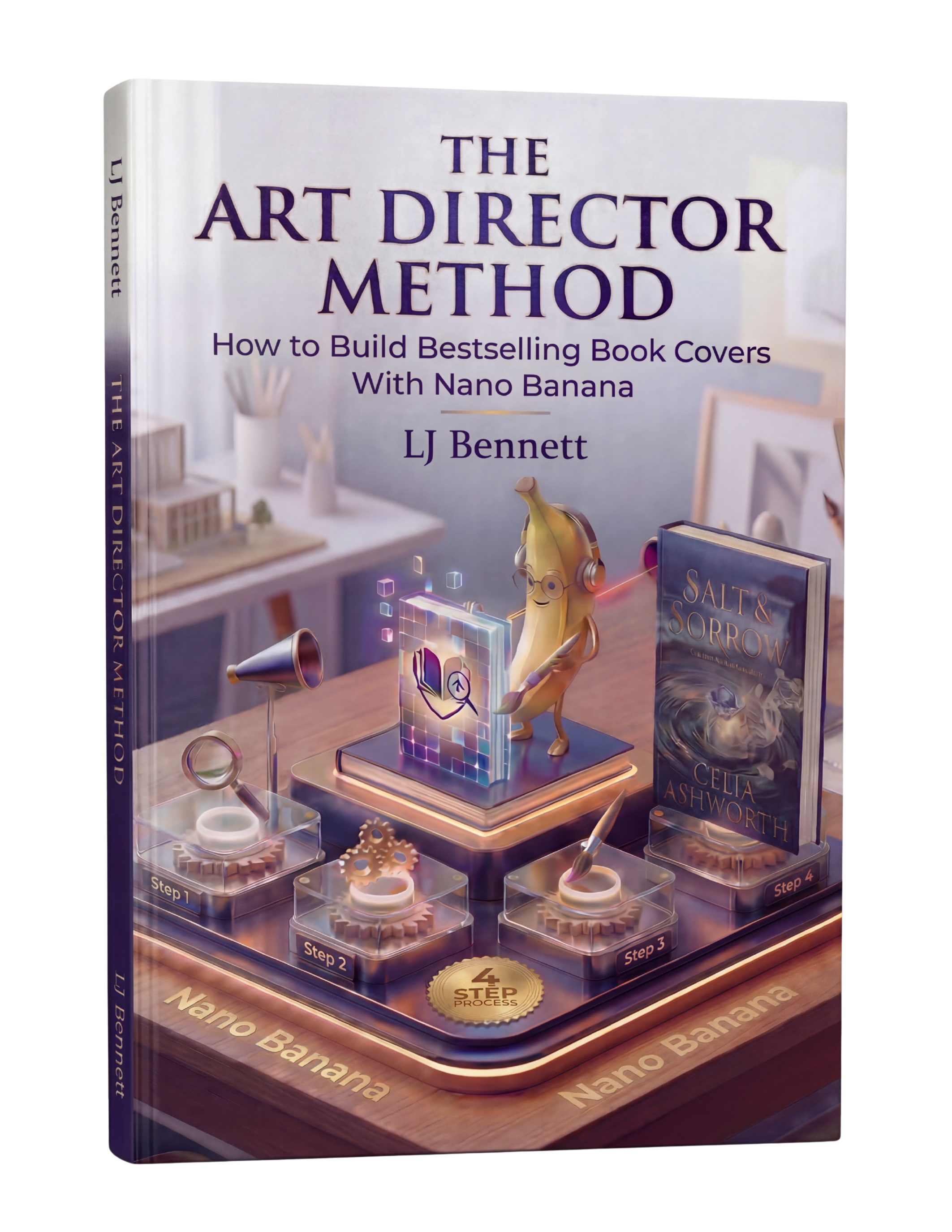
The Art Director Method includes a complete Character Consistency Workflow with prompt templates, tool setup guides, and a reference image checklist that walks you through building a character bible for your series.
This is exactly what The Art Director Method using Nano Banana teaches you to do right.
Turn Nano Banana from a slot machine into your creative partner.
Get the Guide - $19.99Frequently Asked Questions
Yes, but not by default. AI image generators create a new interpretation of your character every time. To get consistency, you need to use reference images, detailed character descriptions anchored in every prompt, and tool-specific features like Midjourney's style references or Leonardo's character training. Without these techniques, your protagonist will look like a different person on every cover.
Midjourney is currently the strongest option thanks to its style reference and character reference features. Leonardo AI offers fine-tuned model training for character consistency. Google Gemini supports reference image uploads for maintaining appearance. Each tool has tradeoffs between ease of use, cost, and control. For most indie authors, Midjourney's character reference feature offers the best balance.
A seed image is a reference photo or previously generated image that you feed back into the AI as a starting point. It tells the generator 'make the character look like THIS.' You can use a stock photo, a previous AI generation you liked, or even a photo of someone (with permission). The seed image anchors the character's facial structure, hair, skin tone, and proportions across multiple generations.
Very detailed, and consistent across every prompt. Include specific physical traits: hair color and style, eye color, skin tone, approximate age, build, and any distinguishing features like scars or glasses. Save this description as a reusable text block and paste it into every prompt. Vague descriptions like 'attractive woman' will give you a different person every time.
No. Readers expect visual variety across a series. Each cover should show the character in a different scene, pose, or environment that reflects that specific book's story. The consistency should be in the character's appearance, not the composition. Think of it like movie posters for a franchise: the same actor in different scenes, not the same photo repeated.